

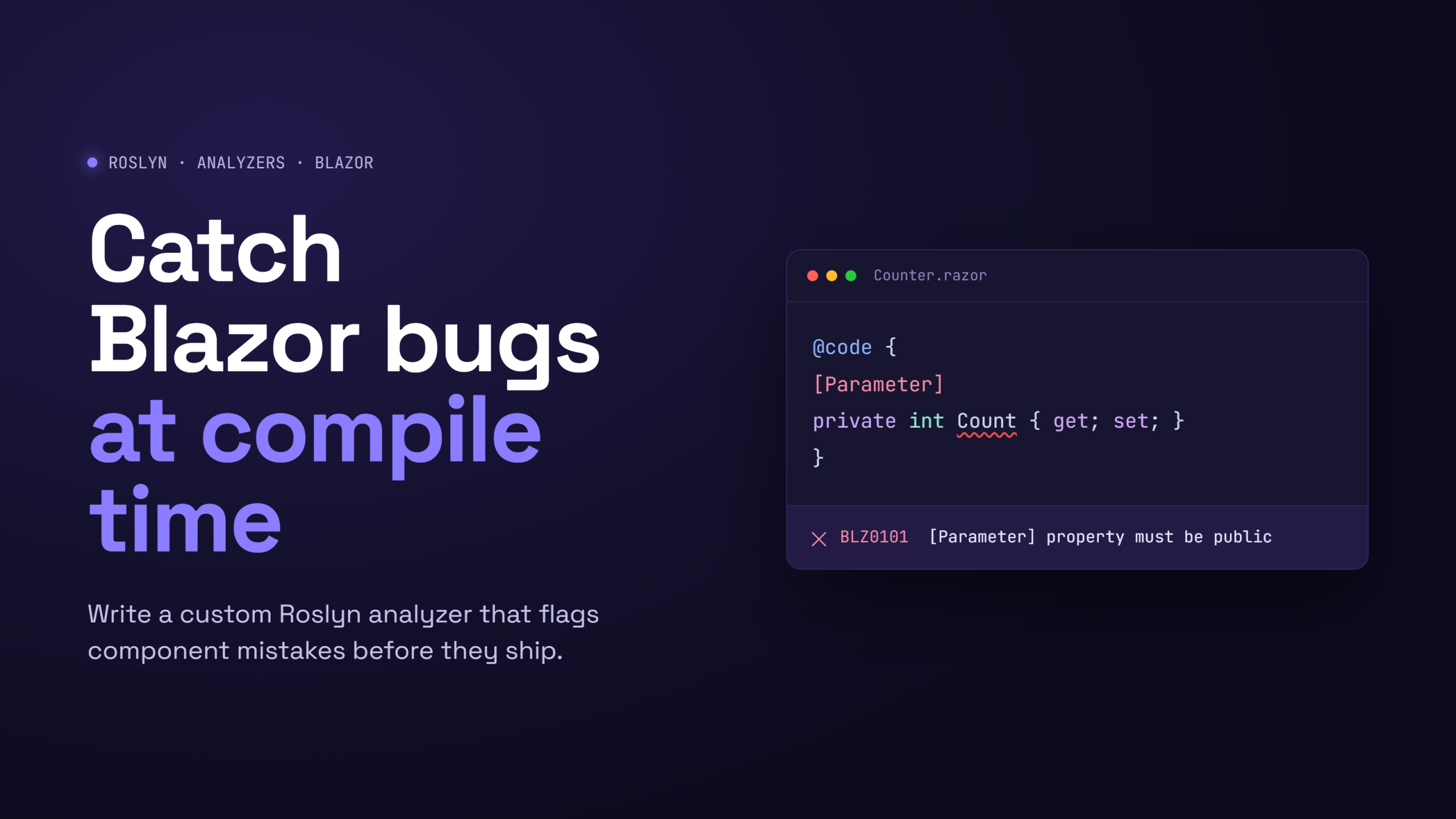
Roslyn analyzers let you teach the C# compiler your own rules. They run inside the
compiler and the IDE, so a violation shows up as a squiggle while you type and as a
warning (or error) during dotnet build — no separate tool, no extra CI step.
In this series we build PSC.Analyzers.Blazor, a small analyzer package that
enforces a Blazor convention: component [Parameter] properties must be
PascalCase. Along the way you’ll learn the pattern for any analyzer. By the end
of the series you’ll have a tested NuGet package that any project can consume.
This first part is all about the project skeleton. The source code of this project is available on GitHub.
When should you write one?
Reach for a custom analyzer when a rule is semantic and can’t be expressed with
.editorconfig or an off-the-shelf package. Naming, formatting, and the built-in
CAxxxx/IDExxxx rules are already covered by the SDK. But “a [Parameter]
property must be PascalCase” needs to understand what a Blazor parameter is — that
requires real semantic analysis, which is exactly what an analyzer gives you.
Prerequisites
- The .NET SDK (10.0 or later works well; analyzers themselves target an older framework — more on that below).
- Any editor. Visual Studio and Rider give you live analyzer feedback.
Create the project
An analyzer is just a class library with the right settings. You can create the project from Visual Studio or do all the step manually as I explain now. Create a folder and a project:
mkdir PSC.Analyzers.Blazor && cd PSC.Analyzers.Blazor
dotnet new classlib -o src/PSC.Analyzers.Blazor
Now replace the generated .csproj with the analyzer configuration:
<Project Sdk="Microsoft.NET.Sdk">

  <PropertyGroup>
    <TargetFramework>netstandard2.0</TargetFramework>
    <LangVersion>latest</LangVersion>
    <Nullable>enable</Nullable>
    <ImplicitUsings>disable</ImplicitUsings>
    <EnforceExtendedAnalyzerRules>true</EnforceExtendedAnalyzerRules>
    <IsRoslynComponent>true</IsRoslynComponent>
  </PropertyGroup>

  <ItemGroup>
    <PackageReference Include="Microsoft.CodeAnalysis.CSharp" Version="4.11.0" PrivateAssets="all" />
    <PackageReference Include="Microsoft.CodeAnalysis.Analyzers" Version="3.11.0" PrivateAssets="all">
      <IncludeAssets>runtime; build; native; contentfiles; analyzers; buildtransitive</IncludeAssets>
    </PackageReference>
  </ItemGroup>

</Project>
Let’s walk through why each setting matters.
Why netstandard2.0?
This is the single most important — and most surprising — rule. Analyzers must
target netstandard2.0, no matter what your application targets. An analyzer is
loaded into the compiler process, and the compiler (and the Visual Studio / Rider
analysis host) runs on a runtime that only guarantees netstandard2.0. Target
net10.0 and your analyzer will silently fail to load. Your app can be net10.0;
the analyzer that inspects it cannot.
Microsoft.CodeAnalysis.CSharp
This is the Roslyn API — DiagnosticAnalyzer, AnalysisContext, the symbol and
syntax model, everything you build against. PrivateAssets="all" means it is a
build-time dependency of this project and does not flow to consumers of your
package. That matters: the compiler already provides Roslyn, so shipping it in your
package would be wrong.
Microsoft.CodeAnalysis.Analyzers
These are analyzers for analyzer authors — the RSxxxx rules that catch common
mistakes (forgetting to support a diagnostic id, not tracking releases, and so on).
Highly recommended.
IsRoslynComponent and EnforceExtendedAnalyzerRules
IsRoslynComponent=true improves the debugging experience and marks the project’s
intent. EnforceExtendedAnalyzerRules=true turns on stricter RSxxxx guidance so
your analyzer plays nicely with the concurrent, cache-friendly execution model the
compiler expects.
Analyzer release tracking
The RS2008 rule (from Microsoft.CodeAnalysis.Analyzers) asks you to track your
diagnostic ids in two files so consumers can see what changed between versions. The documentation can be found on this link in GitHub. Add
them next to the .csproj:
AnalyzerReleases.Shipped.md:
; Shipped analyzer releases
; https://github.com/dotnet/roslyn-analyzers/blob/main/src/Microsoft.CodeAnalysis.Analyzers/ReleaseTrackingAnalyzers.Help.md
AnalyzerReleases.Unshipped.md:
; Unshipped analyzer release

### New Rules

Rule ID | Category   | Severity | Notes
--------|------------|----------|-----------------------------------------
PSC001  | PSC.Blazor | Warning  | Component parameter should be PascalCase
Then include them as AdditionalFiles so the tracking analyzer can read them:
<ItemGroup>
  <AdditionalFiles Include="AnalyzerReleases.Shipped.md" />
  <AdditionalFiles Include="AnalyzerReleases.Unshipped.md" />
</ItemGroup>
When you ship a version, you move rows from Unshipped to Shipped under a version heading. It’s a small discipline that keeps your rule set honest.
A solution to tie it together
Optionally, add a solution so the IDE and CI have a single entry point:
cd ..
dotnet new sln -n PSC.Analyzers.Blazor
dotnet sln add src/PSC.Analyzers.Blazor/PSC.Analyzers.Blazor.csproj
Confirm it builds
dotnet build src/PSC.Analyzers.Blazor -c Release
You should get a clean build. There are no rules yet — the project compiles to an assembly the compiler could load, but it reports nothing.
What we have so far
PSC.Analyzers.Blazor/
├── PSC.Analyzers.Blazor.sln
└── src/
    └── PSC.Analyzers.Blazor/
        ├── PSC.Analyzers.Blazor.csproj
        ├── AnalyzerReleases.Shipped.md
        └── AnalyzerReleases.Unshipped.md
That’s the whole skeleton. The two ideas worth remembering: analyzers target
netstandard2.0, and Roslyn is a private, build-time dependency. Everything
else is a normal class library.
In Part 2 we write the actual PSC001 rule — a DiagnosticAnalyzer that finds
[Parameter] properties, checks their casing, and reports a diagnostic on the ones
that break the convention.